


Stop checking two store dashboards
Receive selected App Store and Google Play reviews in the tools your team already monitors.
App review monitoring
Manage App Store and Google Play review alerts in one account. Filter by rating and locale, send feedback to your team, and choose optional replies or rating reports.
14 days free · No credit card required
 # app-reviewsChannel
Receive selected App Store and Google Play reviews in the tools your team already monitors.
Send feedback to a named channel, queue, or inbox with the source details attached.
Use immediate alerts for incidents and scheduled reports for longer-running patterns.
How it works
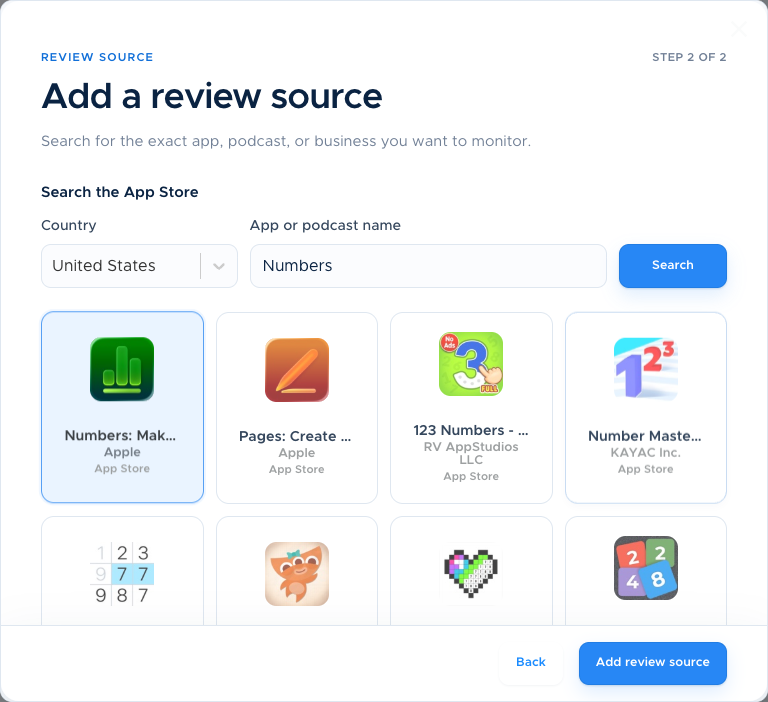
Select an App Store or Google Play listing and create a focused Flow.
Decide which ratings and locale matter for this team.
Deliver the alert to Slack, Zendesk, Freshdesk, Teams, or email.
Made for your workflow
Start with one listing and one destination. Add another Flow when you need a different route.
Compare plans and optionsCreate Flows for iOS, Mac, and Android listings from one account.
Filter alerts by star rating and one country or language. Global Scanning and translation are optional add-ons.
Use Slack or Teams for visibility, Zendesk or Freshdesk for support, and email for simple delivery.
Share rating totals and period changes monthly, or choose paid weekly delivery. Your team adds issue themes.
Simple, flexible pricing
One store listing, one destination. An iOS app and an Android app sent to the same channel use two Flows.
Weekly reports, global coverage, translation, and replies are optional paid add-ons.
See all pricing and add-onsYes. Create separate Flows for each listing or destination and manage them from the same account.
A Flow connects one review source to one destination and applies its own filters and delivery schedule.
ReviewBot supports Slack, Zendesk, Freshdesk, Microsoft Teams, Google Chat, Webex, and email. Google Chat and Webex support review alerts.
The Basic plan starts at $5 per active Flow per month, billed annually, after the 14-day trial.
Evaluating your options? Compare ReviewBot with Appbot, or read the setup guide for this workflow.
Plan the next step: configure negative-review alerts, assign review follow-up, or use a worked weekly report example.
Create your first Flow. Try every feature free for 14 days.
Start free trial