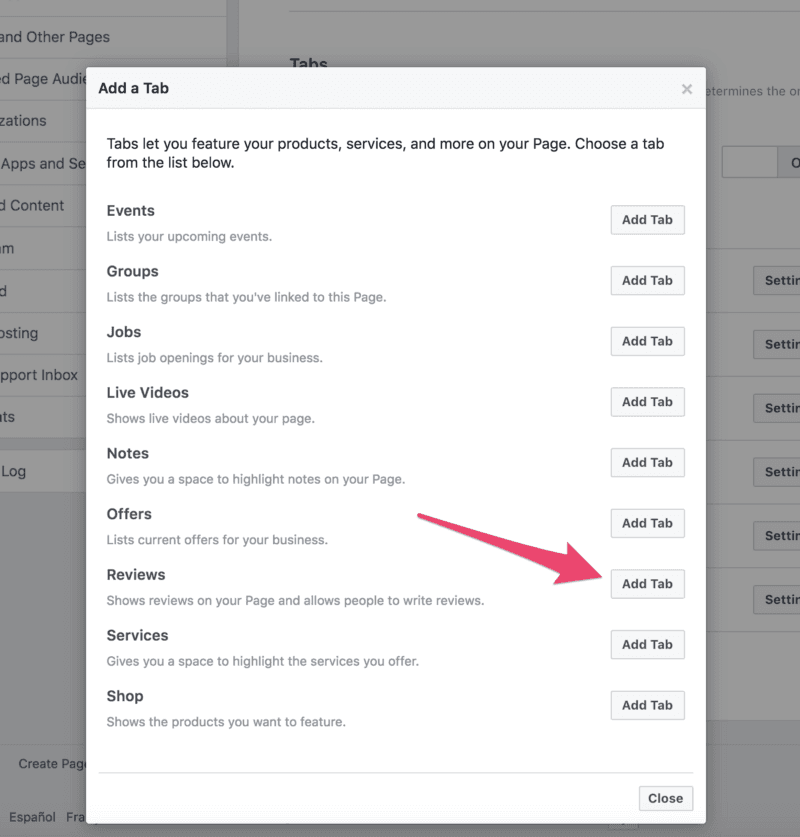
What to check first
Confirm the Page category, review or recommendation settings, contact details, and notification routing so feedback does not sit unseen.
How to manage responses
Treat recommendations as a public support channel. Thank happy customers, answer specific complaints, and move private details into direct support when needed.
How ReviewBot helps
ReviewBot helps teams centralize review alerts alongside app and marketplace feedback so public customer signals reach the right owner faster.